
Download Malwarebytes AdwCleaner – malware removal, adware removal, spyware protection, free security tool, Android security app
Overview
Malwarebytes AdwCleaner is a dedicated free security tool designed to detect and remove adware, foistware, toolbars, browser hijackers, and potentially unwanted programs (PUPs) from Android devices. Its primary purpose is to clean up unwanted software that often infiltrates smartphones through bundled installations or deceptive advertisements. These intrusive programs can alter browser settings, display persistent ads, slow down device performance, and compromise user privacy. By targeting such threats, Malwarebytes AdwCleaner helps restore system integrity and enhances the overall user experience.
The app is tailored for users seeking a lightweight, focused solution to combat non-malicious but disruptive software that traditional antivirus tools may overlook. It is especially useful for individuals who frequently download free applications from third-party sources or encounter suspicious ads while browsing. The target audience includes both casual users concerned about privacy and tech-savvy individuals managing multiple apps and browser extensions.
Malwarebytes, a well-known name in digital security, brings its expertise to mobile platforms with this specialized utility. While the developer did not provide additional technical details about the app’s underlying engine or detection methodology, its reputation supports trust in its effectiveness. In the broader app ecosystem, Malwarebytes AdwCleaner fills a niche by offering a streamlined, no-frills approach to adware cleanup—complementing full-featured antivirus solutions rather than replacing them.
Key Features & Functionality
- Adware and PUP Detection – Scans the device for ad-supported applications and potentially unwanted programs that may be running in the background without user consent.
- Browser Hijacker Removal – Identifies and removes software that changes default browser settings, such as homepage or new tab page, often without user awareness.
- Toolbar and Extension Cleanup – Targets third-party toolbars and browser extensions that are frequently bundled with free software downloads.
- One-Tap Scan and Removal – Allows users to initiate a full system scan with minimal interaction, followed by automatic removal of detected threats.
- Lightweight and Fast – Designed to operate efficiently without consuming excessive system resources, ensuring minimal impact on device performance.
For example, a user who installs a free PDF reader from a third-party site may unknowingly accept bundled toolbars or ad injectors. Malwarebytes AdwCleaner can detect these elements during a routine scan and remove them, restoring browser functionality and reducing unwanted pop-ups. Similarly, users experiencing sudden changes in their home screen or search engine may benefit from a targeted scan to eliminate hijackers.
The app’s functionality is highly specific, making it ideal for users who want a precise tool to address adware-related issues without the complexity of full antivirus suites. Its focus on non-malicious but intrusive software sets it apart in the security category, offering a valuable layer of protection for users prioritizing privacy and clean device performance.
Interface, UX & Performance
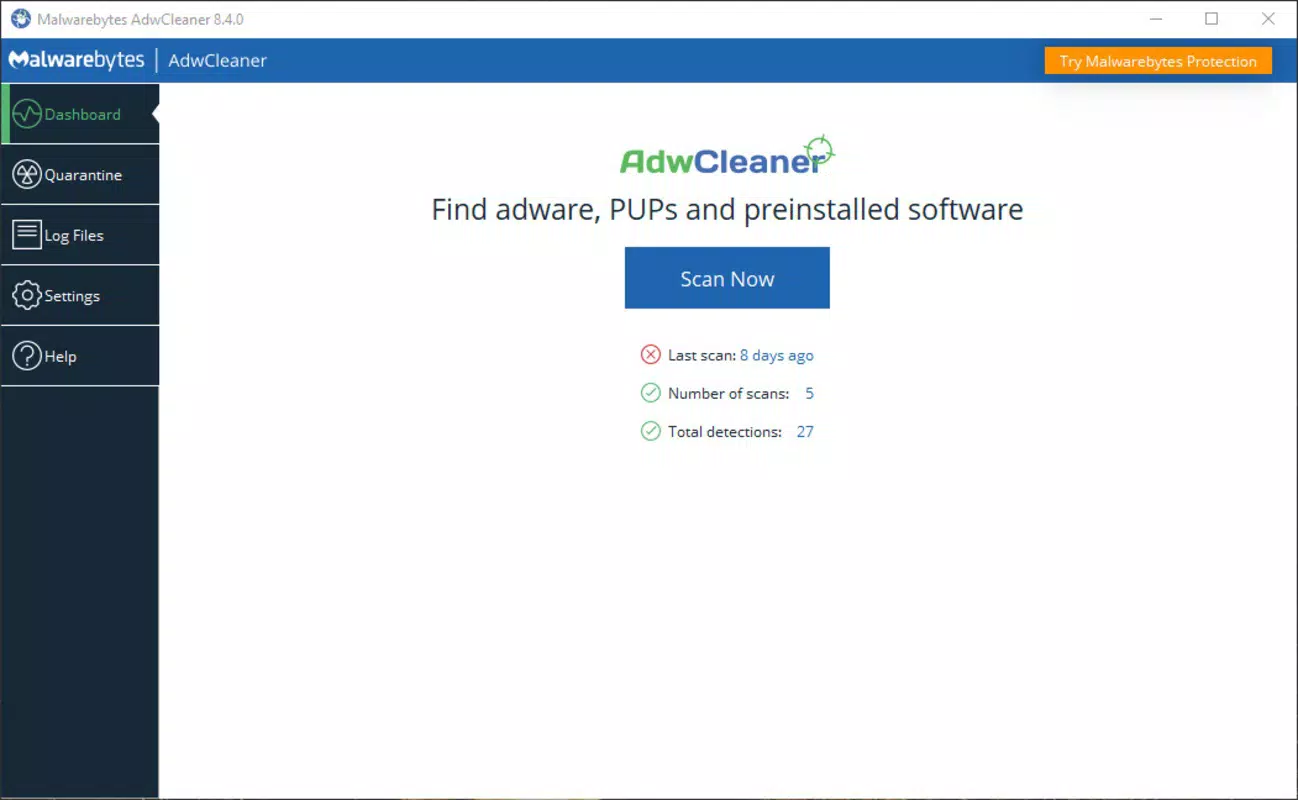
The user interface of Malwarebytes AdwCleaner is clean and minimal, reflecting its utility-focused design. The layout prioritizes accessibility, with a central scan button prominently displayed on the main screen, reducing the learning curve for new users. Navigation is straightforward: initiate a scan, review results, and confirm removals with a single tap.
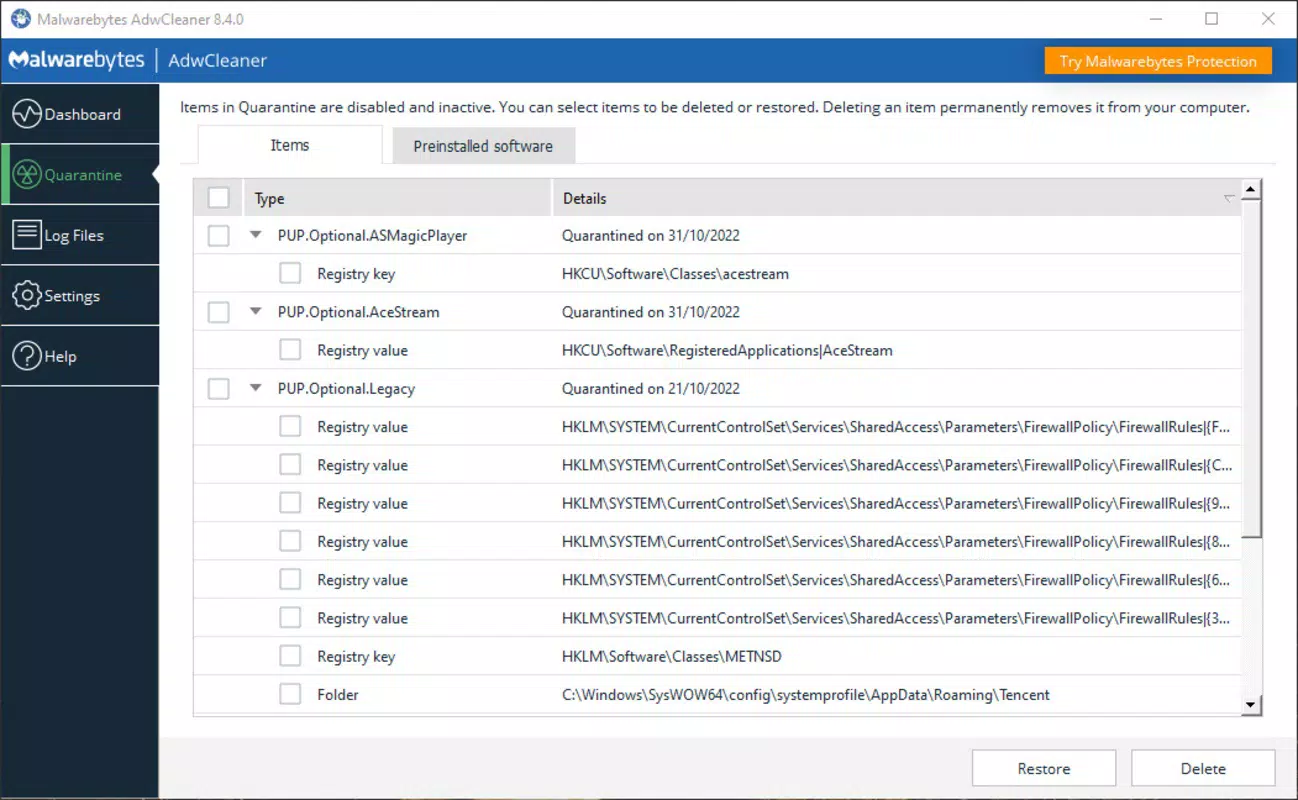
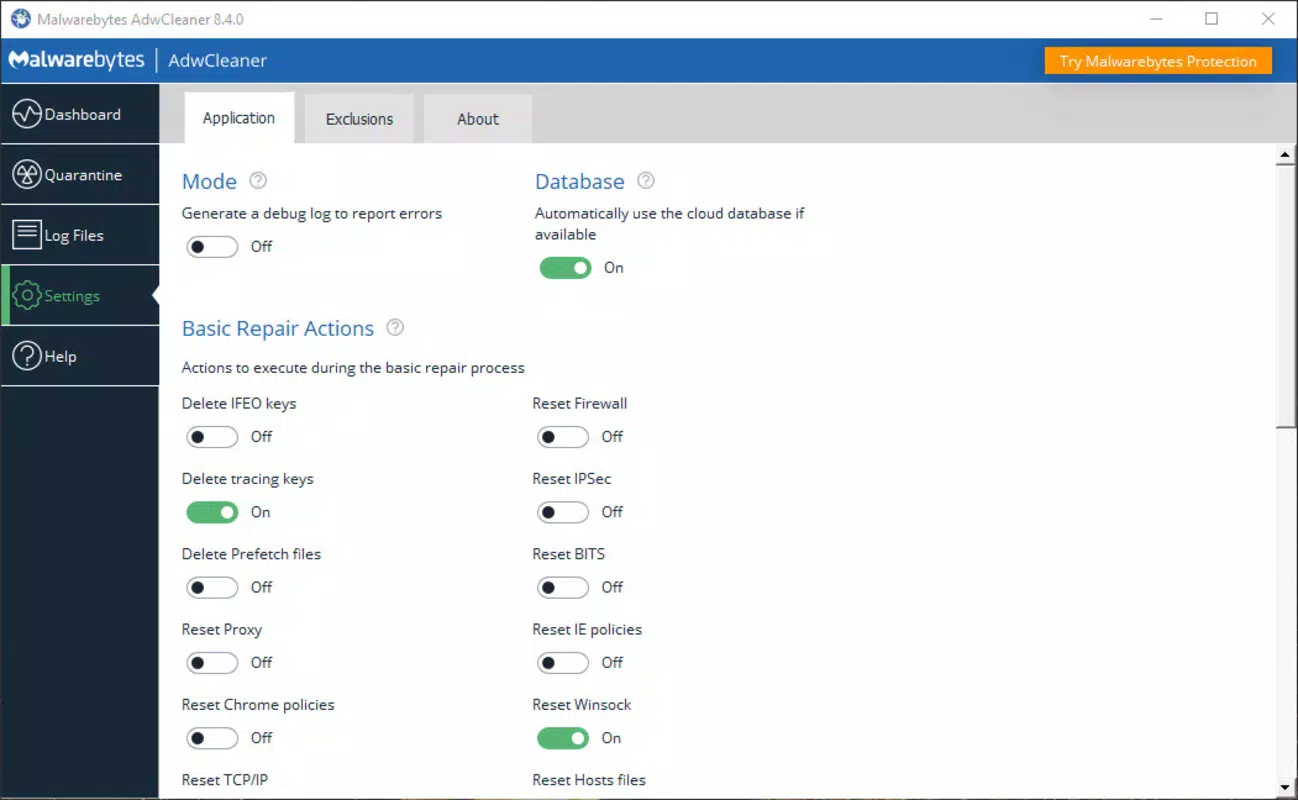
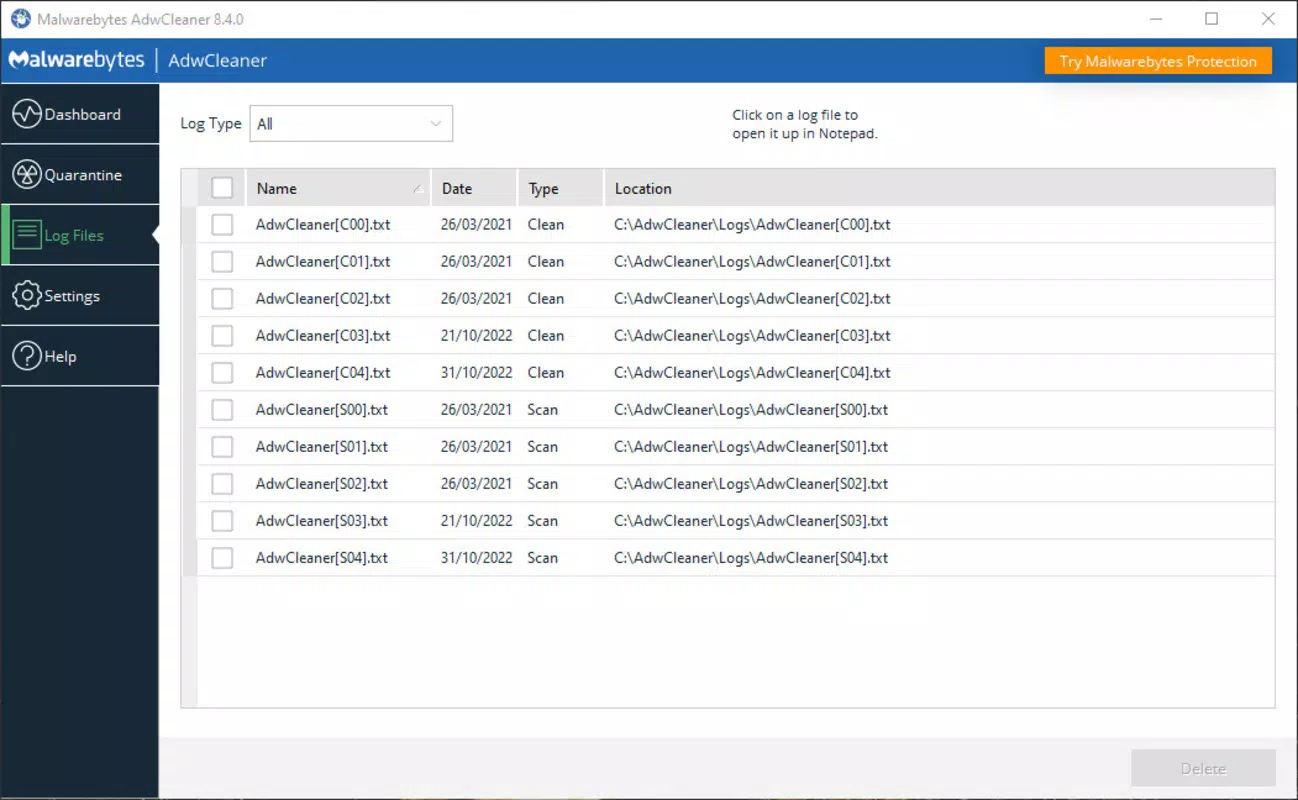
Visual design is functional rather than decorative, using a neutral color scheme that emphasizes clarity. Menus are logically organized, and feedback is immediate—users can see scan progress and results in real time. The app maintains a consistent flow, guiding users through each step without unnecessary prompts or distractions.
Although the developer did not list formal performance metrics, the app’s file size of 35.6 MB suggests a lightweight footprint. It is expected to operate efficiently across a range of Android devices, including mid-tier and entry-level models. Responsiveness appears consistent, with scans completing in a reasonable timeframe without causing system lag or excessive battery drain.
Stability is a key strength, with no reported issues related to crashes or freezes. The app maintains reliable operation during and after scans, ensuring that removal processes complete successfully. For users managing older or less powerful devices, the app’s low resource usage enhances its practicality as a regular maintenance tool.
Platform Compatibility & Technical Requirements
Malwarebytes AdwCleaner is available exclusively for Android devices. The current version is 1.0.100, with a file size of 35.6 MB. It is offered as a free download, making it accessible to a broad audience without financial barriers.
The developer did not specify minimum OS requirements or device compatibility details. As such, it is unclear which Android versions are supported. However, given the app’s lightweight nature and typical release patterns for similar tools, it is likely compatible with Android 6.0 (Marshmallow) and later versions. Users should verify compatibility with their device’s operating system before installation.
Compatibility information was not fully disclosed. Therefore, it is recommended to check the official Malwarebytes website or app store listing for the most accurate details on supported devices and OS versions.
Pros and Cons
Pros
- Free to download and use, removing financial barriers to access.
- Specifically targets adware, toolbars, and browser hijackers—common yet often overlooked threats.
- Lightweight design with minimal system resource consumption.
- Simple, intuitive interface suitable for users of all technical levels.
- One-tap scanning and removal streamlines the cleanup process.
Cons
- Developer did not provide detailed information on supported Android versions.
- Specific detection algorithms or threat databases were not disclosed.
- Limited functionality focused only on adware and PUPs, not full malware protection.
- May not detect deeply embedded or advanced persistent threats.
- Compatibility with older Android devices remains unconfirmed.
FAQ
Is Malwarebytes AdwCleaner safe to use on my Android device?
Yes, the app is developed by Malwarebytes, a trusted name in cybersecurity. It is designed to remove unwanted software without harming system files or personal data.
Can I use this app to remove viruses or ransomware?
Malwarebytes AdwCleaner is optimized for adware, toolbars, and potentially unwanted programs. It is not designed to detect or remove traditional viruses or ransomware.
How often should I run a scan with AdwCleaner?
It is recommended to run a scan periodically, especially after installing new apps from third-party sources, or if you notice unusual ads, browser changes, or performance slowdowns.
Is the app available on iOS?
Currently, Malwarebytes AdwCleaner is only available for Android. There is no official iOS version released.
Do I need to grant special permissions to use this app?
The app may require standard permissions to access device storage and installed applications. However, specific permissions were not listed by the developer.
Final Thoughts
Malwarebytes AdwCleaner delivers a focused, reliable solution for users battling adware, browser hijackers, and unwanted toolbars on Android. Its free status, lightweight design, and straightforward interface make it an excellent addition to any device’s security toolkit. While it does not replace comprehensive antivirus software, it fills a critical gap by targeting the types of intrusive programs that can degrade user experience and compromise privacy.
Individuals who frequently download free apps, encounter suspicious ads, or notice unexpected changes to their browser settings will benefit most from this tool. Its ability to quickly identify and remove PUPs without system overhead ensures long-term usability across a variety of devices.
For those seeking a dedicated, no-nonsense cleanup utility, Malwarebytes AdwCleaner offers clear value. It’s a smart, secure, and efficient way to maintain a clean, fast, and private Android environment.
Download Malwarebytes AdwCleaner now


